RSM Numerical Test 2027: Calculator Tips & Question Types
The RSM numerical test checks whether you can read data tables and do fast, accurate arithmetic under time pressure. For the 2027 intake it sits inside RSM's online assessment alongside the situational judgement section. Nobody fails the RSM numerical test because the maths is hard — they fail because they are slow, sloppy, or fumbling with a calculator.
RSM Numerical Test Question Types
The RSM numerical test repeats a small set of formats with different numbers:
- Percentages and percentage change — revenue growth, margin shifts. The single most common format.
- Ratios and proportions — splitting fees, headcount, or workload across teams.
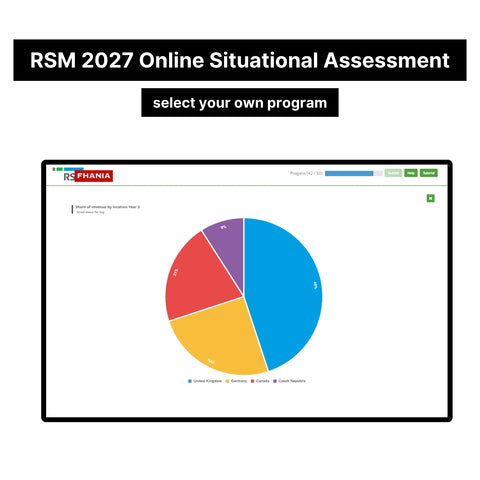
- Data table interpretation — combining two or three figures from a table or chart.
- Currency and unit conversions — straightforward but easy to botch when rushing.
- Averages and weighted averages — team utilisation, billing rates, blended figures.
Questions are set in business contexts — audit fees, client turnover, staff utilisation — because RSM wants trainees who can handle day-one numbers. Expect multiple choice with four or five options, often designed so a careless decimal error lands on a plausible-looking wrong answer.
RSM Numerical Test Calculator Tips
Having a calculator is basic. Using it well is what separates pass from fail:
- Learn the % key and memory functions. If you only use +, −, ×, ÷, you are too slow.
- Estimate first, calculate second. A rough answer tells you which option is sane before you commit.
- Watch units and decimals. RSM numerical test questions mix thousands, millions, and percentages in one table. Convert before you compute.
- Skip and return. One stuck question can eat a third of your time. Finish the easy marks first.
- Practise under real timing. Untimed practice builds knowledge; timed practice builds the speed the RSM numerical test actually measures.
How to Prepare for the RSM Numerical Test
Drill real RSM-style questions until the formats feel boring. Percentage change, ratio splits, table lookups — once you have seen each type twenty times, the test becomes pattern recognition. Then layer in timed runs with a calculator to lock in speed.
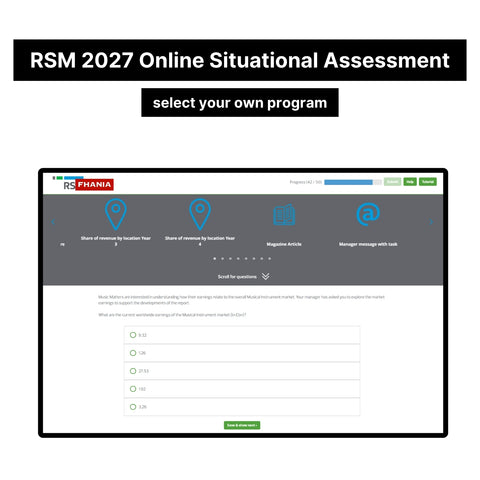
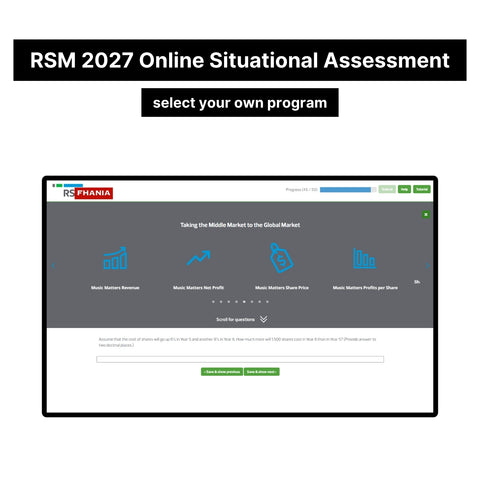
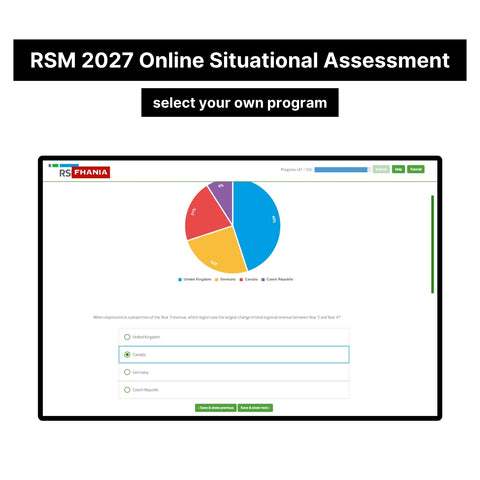
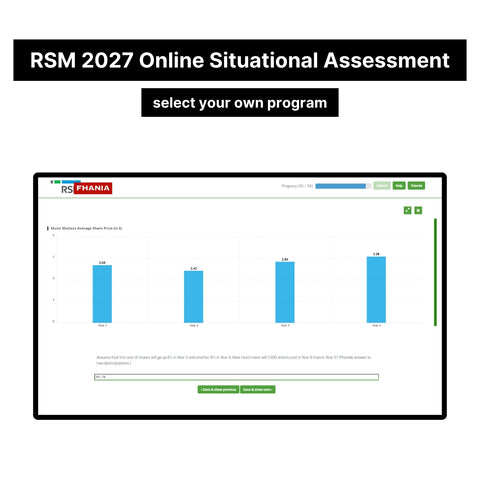
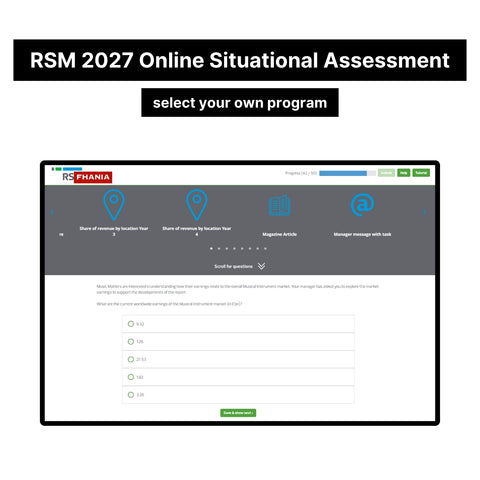
Our 2027 RSM Online Situational Assessment and Job Simulation Assessment Tutorials includes the exact numerical question types RSM uses, with step-by-step worked answers showing the fastest method for each. $79 one-time, instant download — it also covers the situational section and the later job simulation stage.
Do not treat the calculator as a safety net. Candidates who assume "it's just arithmetic with a calculator" walk in overconfident and walk out filtered. The numerical section exists to catch people who cannot work cleanly under pressure — in audit busy season, a dealbreaker. The 2026 application season for the 2027 intake is underway; check RSM's official careers page for exact dates and deadlines.
FAQ
What calculator can I use in the RSM numerical test? Follow the on-screen instructions — most versions provide an on-screen calculator; some allow your own basic one. No phones.
How many questions are there? The count varies by role, but expect roughly 15–20 questions in a tight time window.
Is it harder than other firms' tests? Difficulty is similar, but RSM pairs it with the situational section in one sitting — fatigue is the real enemy.
Preparing for RSM's Online Numerical Test? Our 2027 RSM Online Situational Assessment and Job Simulation Assessment Tutorials has the exact questions and answers — $79 one-time, instant download.