HSBC Numerical Reasoning Test: Practice & Calculator Tips
The HSBC numerical reasoning test appears inside the job simulation: a short set of numerical tasks under a tight timer. The maths itself is basic — percentages, ratios, reading charts and tables — but the clock is the real enemy. Candidates who are slow with a calculator simply run out of time.
Where the HSBC Numerical Reasoning Test Appears
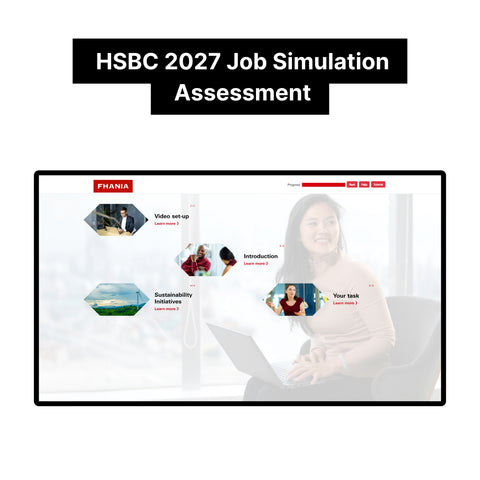
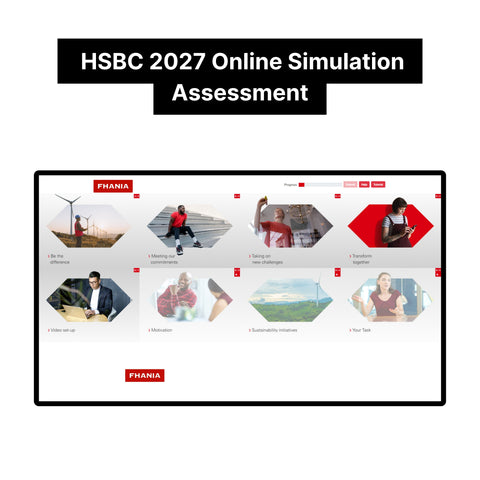
Unlike banks with a standalone maths test, HSBC folds its numerical reasoning test into the round-two job simulation. Between the written email task and the video questions, you get a timed numerical section: data to interpret, calculations to make, answers to submit before the countdown ends. Because it sits inside an already intense 35-minute simulation, you arrive at the numbers with your focus already stretched thin.
What the HSBC Numerical Reasoning Test Measures
The HSBC numerical reasoning test is not checking whether you can do advanced maths. It measures speed, accuracy, and composure with everyday business numbers — the kind of quick calculations a junior banker or analyst does constantly. Assessors want to see that you can read a table, spot the relevant figures, compute a percentage or ratio, and move on. Hesitation and second-guessing cost more marks than the occasional wrong answer, because unfinished questions score zero.
HSBC Numerical Reasoning Test Practice and Calculator Tips
Practise with a timer, always — untimed practice builds the wrong skill. Learn the keyboard shortcuts for your calculator and get comfortable estimating: for many questions, a fast confident estimate beats a slow exact answer. Know your basics cold: percentage change, ratios, averages, and reading bar and line charts. And practise the exact task format, because unfamiliarity with the interface wastes precious seconds. Our tutorials include the exact numerical tasks and answers from the 2027 HSBC job simulation.
Five timed questions in twelve minutes sounds easy until you are on question three with the clock flashing. The candidates who finish are not maths geniuses — they are the ones who drilled the format until it was automatic.
FAQ
Can I use a calculator in the HSBC numerical reasoning test? An on-screen calculator is provided. Practise with it beforehand so you are not learning the buttons during the test.
What level of maths is tested? Basic business maths: percentages, ratios, averages, and interpreting tables and charts. No advanced formulas.
How many numerical questions are there? A short set inside the job simulation, all under one tight timer. Every unfinished question scores zero, so pace matters more than perfection.
Can I go back to earlier questions? Generally no — the section runs straight through. Answer each question as it comes and keep moving.
Preparing for HSBC's job simulation? Our 2027 HSBC Online Immersive Assessment and Job Simulation Tutorials has the exact questions and answers — $79 one-time, instant download.